
Connecting the whole production line
Now that we have seen how we can handle the data from a single PLC, we are going to connect all of our PLCs in a similar fashion.
The OPC-UA connector is already capable of connecting to several PLCs - we just need to add all endpoints to the configuration. The connector will then pump the data from all PLCs.
Go again into the OPC UA connector Lambda and there into the configuration:
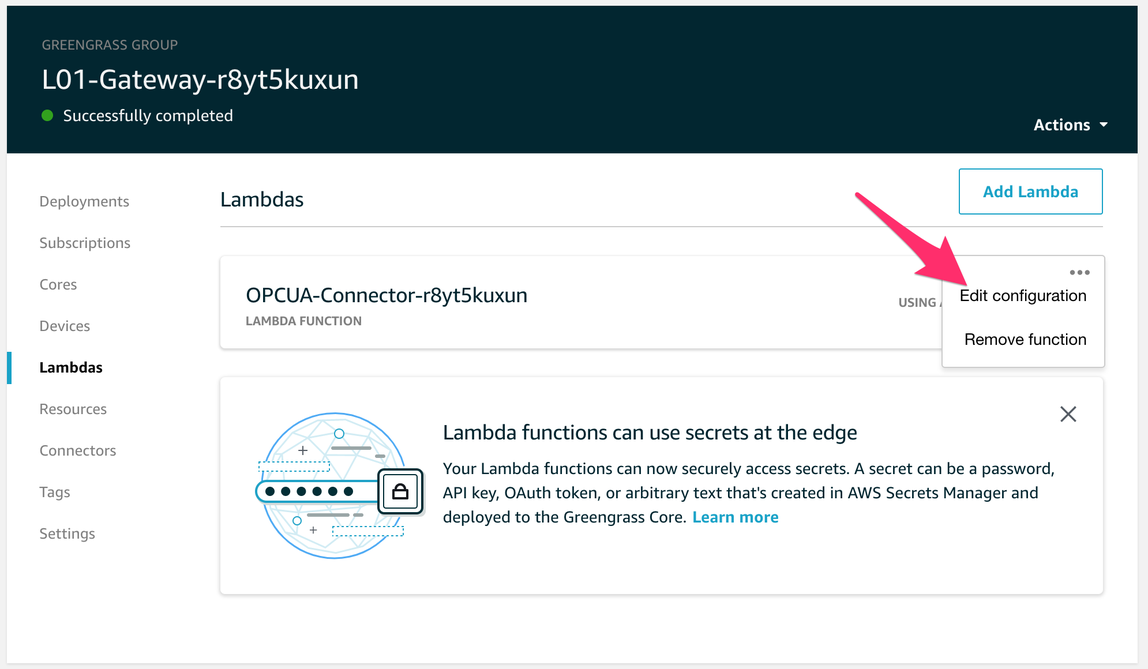
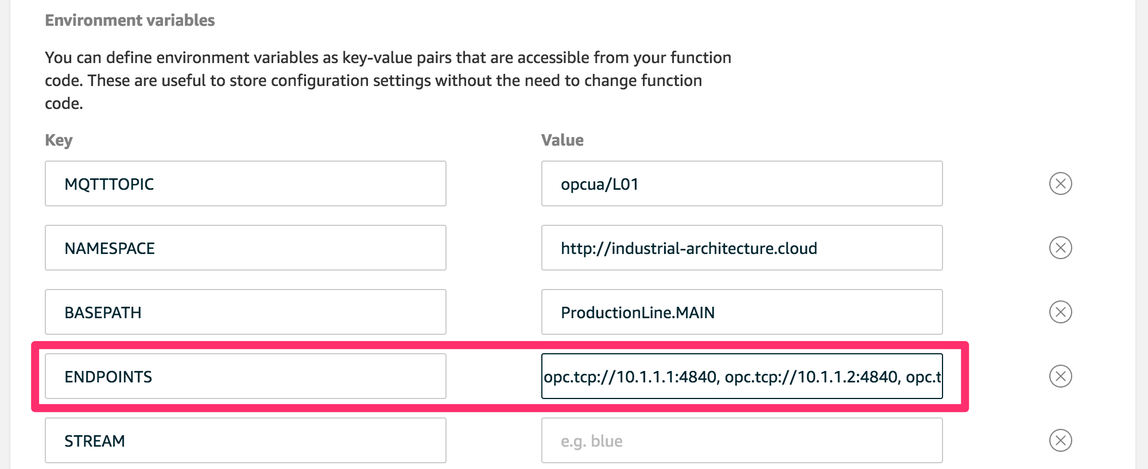
Scroll down to the Environment variables. In the variable called ENDPOINTS add the missing endpoints (separated by commas) of the other PLCs - you should have the following contents in the field:
opc.tcp://10.1.1.1:4840, opc.tcp://10.1.1.2:4840, opc.tcp://10.1.1.3:4840,
opc.tcp://10.1.1.4:4840, opc.tcp://10.1.1.5:4840, opc.tcp://10.1.1.6:4840,
opc.tcp://10.1.1.7:4840, opc.tcp://10.1.1.8:4840, opc.tcp://10.1.1.9:4840,
opc.tcp://10.1.1.9:4840, opc.tcp://10.1.1.10:4840, opc.tcp://10.1.1.11:4840,
opc.tcp://10.1.99.1:4840
Then go to the Greengrass group and click again deploy and check in the IoT Core test console if you get data from the other PLCs:
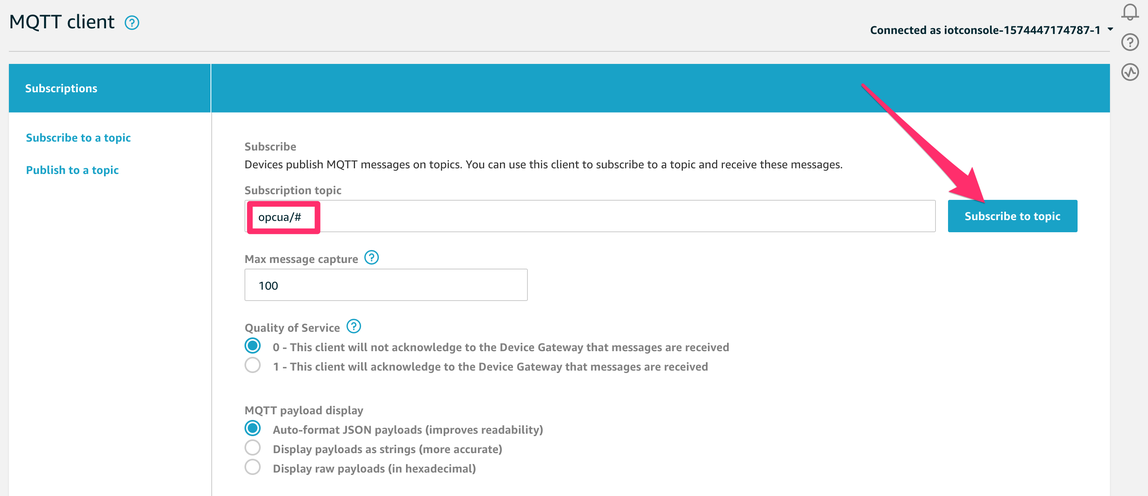
You should see data from other stations (PLCs) e.g. S03 in station:
{
"line": "L01",
"station":"S03",
"state": "EXECUTE",
"dt": "2019-11-25T21:25:11.773678"
}
Ok now we have the whole production line connected and added context to the data.

