Batching data to the cloud
Directly stream the data to Firehose
Create a AWS Kinesis Firehose Stream
1) Open the Amazon Kinesis console
2) In our case we do not want to process events / messages in this stream in real-time but rather store them for importing into our data lake, so we will use Amazon Kinesis Firehose. To have Amazon Kinesis forward messages to other services such as Amazon S3, press “Create Delivery Stream”
3) Enter a name for this stream
4) We will configure a rule in AWS IoT to PUT messages directly into this delivery stream, so choose “Direct PUT or other sources”, then press “Next”

5) On the next screen, leave the various options under “processing records” disabled and proceed (press “Next”).
6) Select “Amazon S3” as the destination and configure the bucket and locations (prefixes) in the bucket where you want Firehose to deliver the data:

Note that the data will be partitioned by date by default.
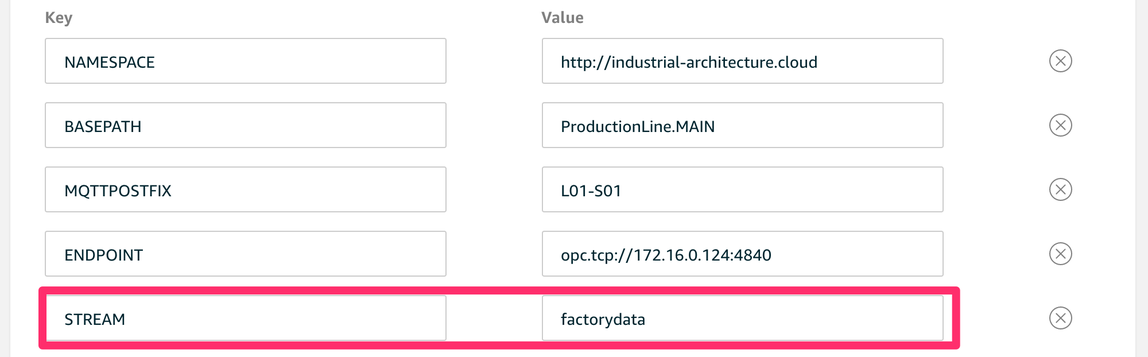
Configure the OPCUA Connector to send data to a AWS Kinesis Firehose stream.
Go to the Greengrass console and configure the environment variables. You need to have the variable STREAM set to the correct Firehose stream you just created.